
 SSL / HTTPS where to begin.
Hi all,
Running a fresh install of Zabbix 6.4.12/Apache2/Mysql on Debian 12 (OS is the only Linux version supported by our company.) After some POC installations to see if Zabbix fits our needs: it definitely does!
My challenge at this moment is that this install has to be set-up safe and solid, so enter SSL.
I have been looking into different tutorials and guides on how to set-up Apache, but i did not find the right path (yet).
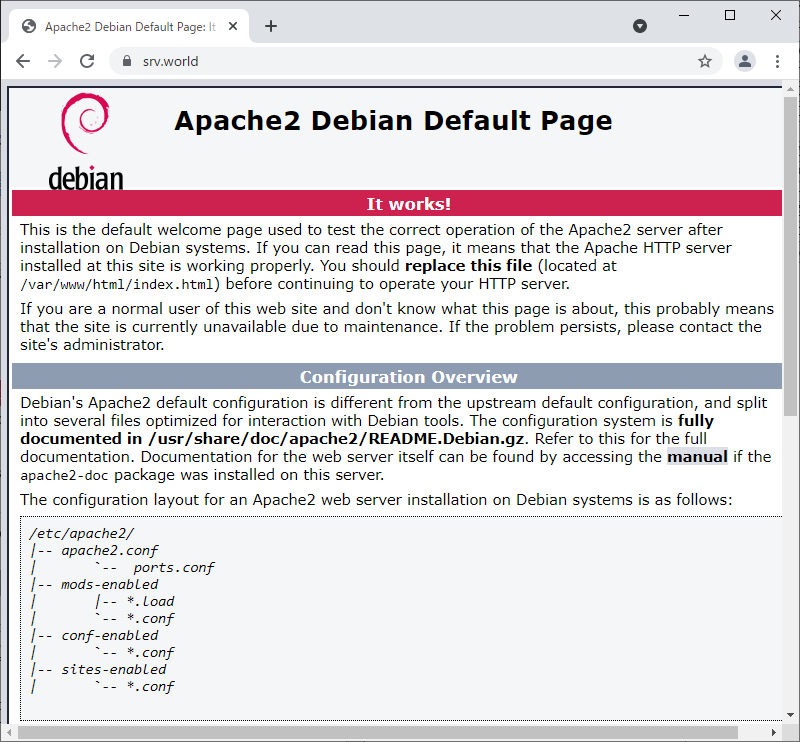
I received from the company a .pfx file with a wildcard certificate, i have DNS set-up to point to the right internal IP, but i don't know where to start. The tutorials i've seen never address an existing certificate, it's mostly tutorials from certificate providers, so i have to walk a different road. The tutorias that focus on Apache2 also didn't help me quite further because i don't see in the config files how Apache is serving Zabbix. The existing virtualhost and default files point to the index.html files that are standard with Zabbix.
Is anyone willing to point me in the right direction on how to even start with setting this up? I will need to have my certificate converted with openssl, extract the needed files, put them in the right folders and reconfigure Zabbix to redirect HTTP to HTTPS, but don't know where to begin.
Thank you!
Running a fresh install of Zabbix 6.4.12/Apache2/Mysql on Debian 12 (OS is the only Linux version supported by our company.) After some POC installations to see if Zabbix fits our needs: it definitely does!
My challenge at this moment is that this install has to be set-up safe and solid, so enter SSL.
I have been looking into different tutorials and guides on how to set-up Apache, but i did not find the right path (yet).
I received from the company a .pfx file with a wildcard certificate, i have DNS set-up to point to the right internal IP, but i don't know where to start. The tutorials i've seen never address an existing certificate, it's mostly tutorials from certificate providers, so i have to walk a different road. The tutorias that focus on Apache2 also didn't help me quite further because i don't see in the config files how Apache is serving Zabbix. The existing virtualhost and default files point to the index.html files that are standard with Zabbix.
Is anyone willing to point me in the right direction on how to even start with setting this up? I will need to have my certificate converted with openssl, extract the needed files, put them in the right folders and reconfigure Zabbix to redirect HTTP to HTTPS, but don't know where to begin.
Thank you!
Comment