
Audit log
Overview
In Zabbix Cloud, the Audit log records user and system activity.
After logging in to a Zabbix Cloud account, go to Account > Audit log to view audit log records. The audit log entries available to a user depend on the user's organization role.
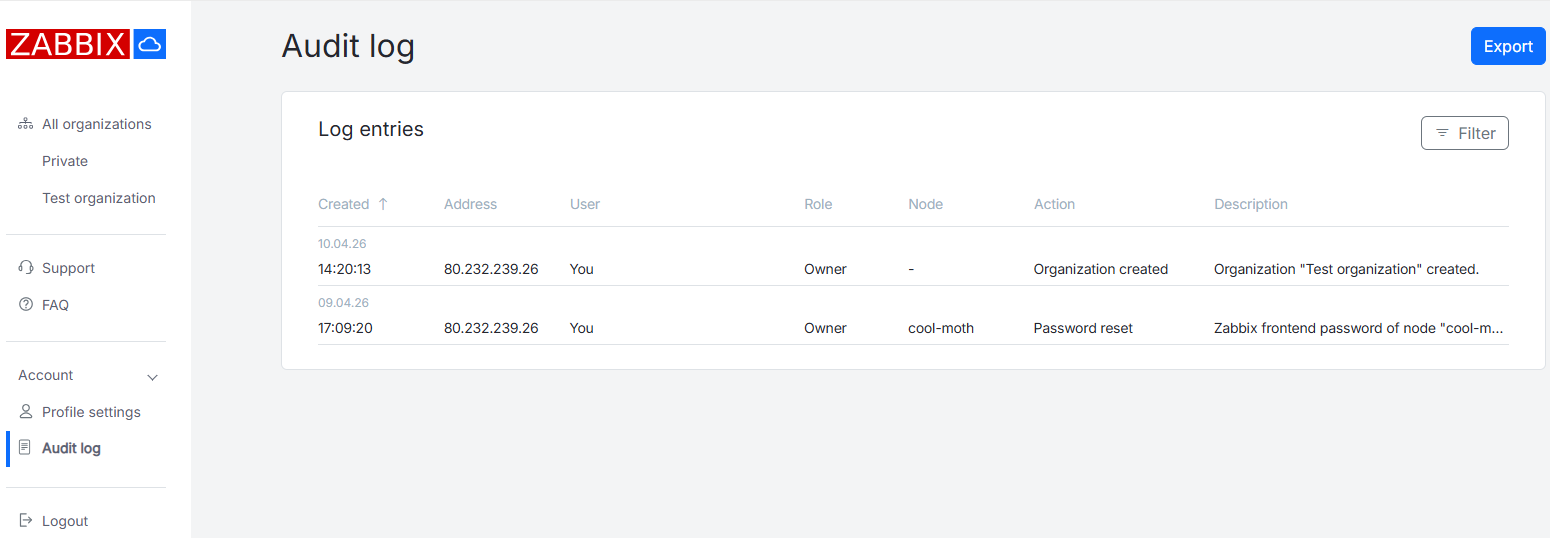
Viewing audit log records
Audit log records are displayed in a table.
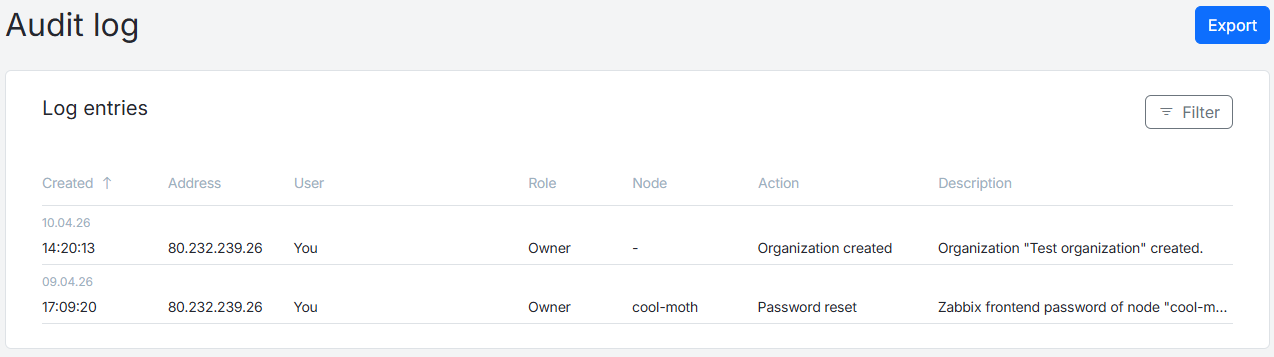
The table contains the following information:
| Column | Description |
|---|---|
| Created | Date and time when the log entry was created. The displayed time corresponds to the user's timezone selected in the User timezone dropdown in Account > Profile settings. |
| User | Name of the organization user who performed the action. |
| Role | The role of the user who performed the action. |
| Node | Name of the node related to the action. |
| Action | Name of the performed action. |
| Description | Description of the performed action. |
Column names can be clicked to sort records in ascending or descending order.
Filtered audit log records can be exported in .csv format using the Export button.
Using filters
Use the Filter button to open the filter.
To display the filtered results, click Apply after selecting one or more filtering parameters. To clear the filter, click Clear all.

It is possible to filter records by one or more parameters. The following filtering parameters are available:
| Parameter | Description |
|---|---|
| Organization | Select all organizations or a specific one. |
| IP Address | Specify an IP address. |
| Specify an email address attached to the user. | |
| User role | Select all roles or a specific one: Owner, Admin, or User. |
| Node name | Select all nodes or a specific one. |
| Action | Select a specific action type. |
Audit log tracks the following actions:
- Node created
- Node deleted
- Node upgraded
- Node version updated
- Password reset
- Maintenance updated
- History setting updated
- Node expiration date extended
- Proxy configuration updated
- Backup created
- Backup deleted
- Backup restored
- Backup updated
- Access filter added
- Access filter updated
- Access filter deleted
- Encryption enabled
- Encryption disabled
- Subscription cancelled
- Subscription renewed
- Subscription payment failed
- Payment requires confirmation
- Organization created
- Organization deleted
- Admin invited
- User invited
- Admin joined
- User joined
- Admin removed from organization
- User removed from organization
- Node added to organization
- Node removed from organization
- Node access granted
- Node access revoked
- User settings updated
- Payment created
- Payment completed
- Payment failed
- VAT charge applied
- VAT validation failed
- Billing info updated
- Payment method updated
- Payment method removed
- Prepaid node created
- Prepaid node updated
- Incident started
- Incident ended