
5 Guida alla distribuzione su Google Cloud
Panoramica
Questa pagina descrive come distribuire Zabbix utilizzando Google Cloud Marketplace.
Sono disponibili diverse versioni di Zabbix per la distribuzione sulla piattaforma. Assicurarsi di leggere la documentazione relativa alla stessa versione di Zabbix distribuita. La documentazione per le diverse versioni di Zabbix può essere selezionata dal menu a discesa delle versioni.
Distribuzione dell'appliance
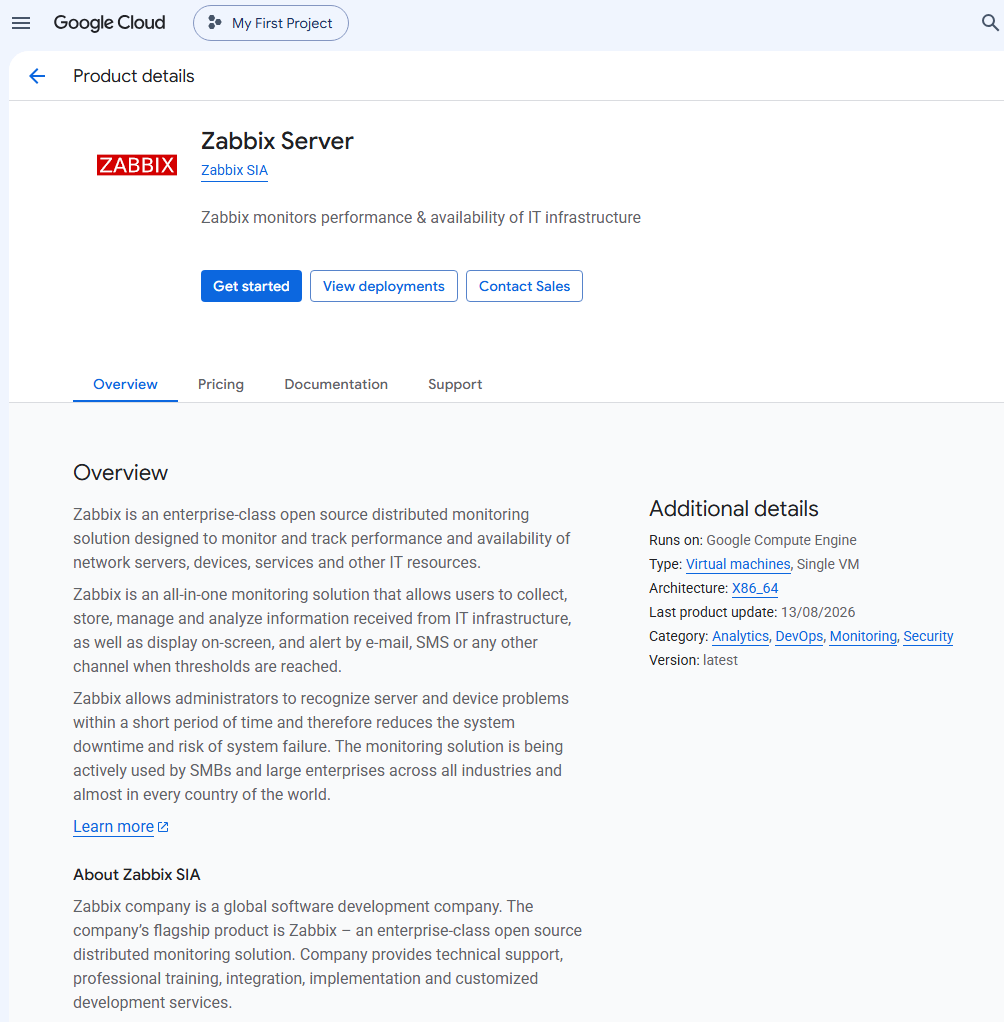
Per prima cosa, distribuisci l'appliance Zabbix. È davvero semplice con Google Cloud Marketplace. Vai semplicemente al prodotto Zabbix Server nel marketplace.
Fai clic su Get started.
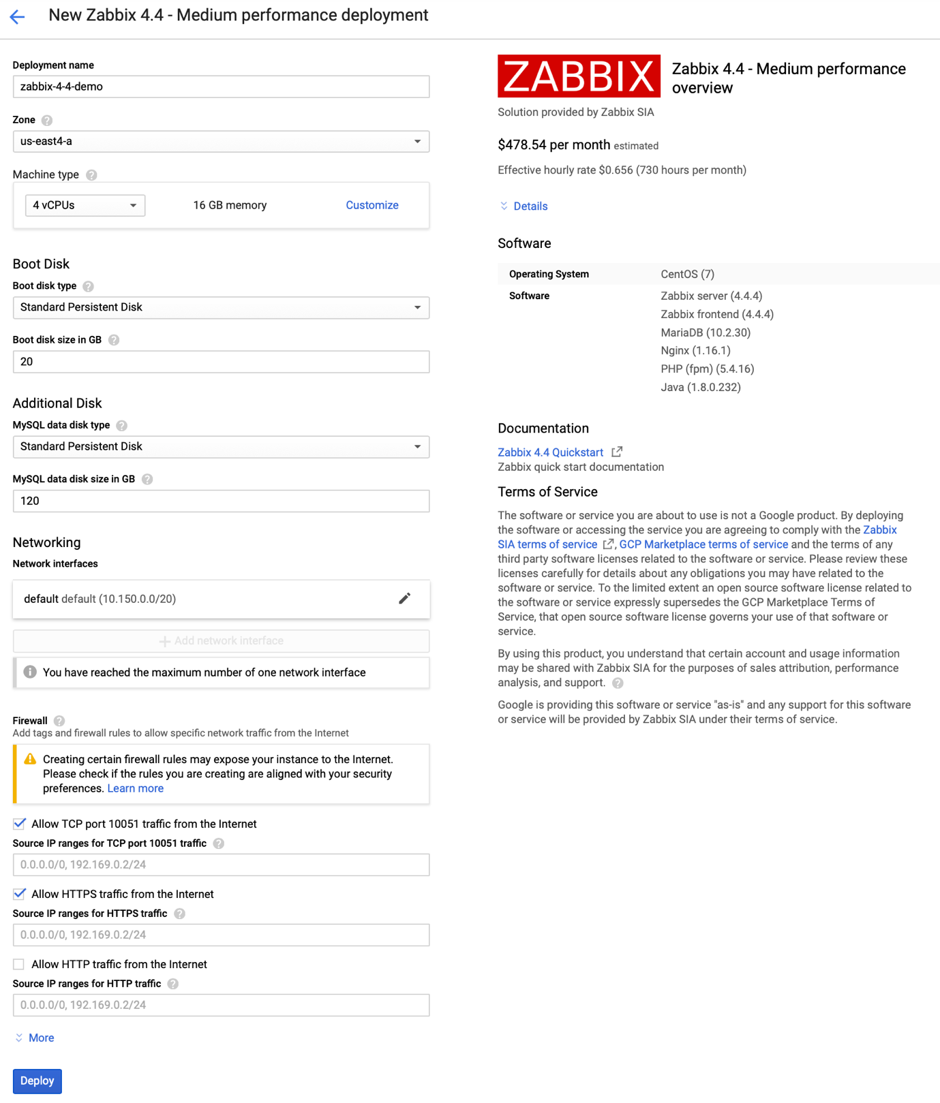
Puoi mantenere le impostazioni predefinite oppure personalizzarle. Al termine, fai clic su Deploy.
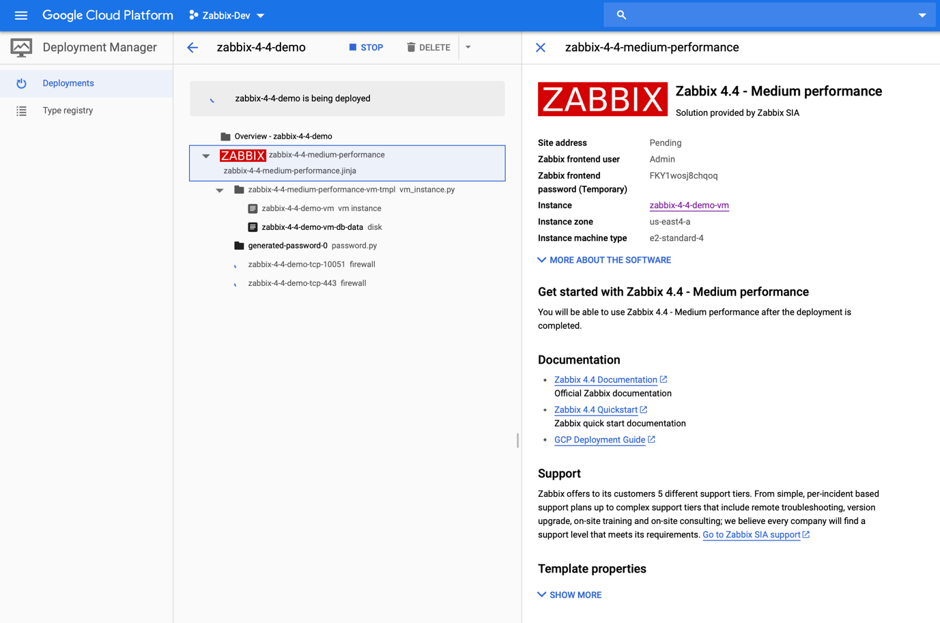
La distribuzione è ora in corso. Attendi il completamento.
Tutto qui! La distribuzione è stata avviata.
Accesso all'appliance
Al termine della distribuzione, dovrebbe essere visualizzato un messaggio che indica che l'appliance è in fase di distribuzione.
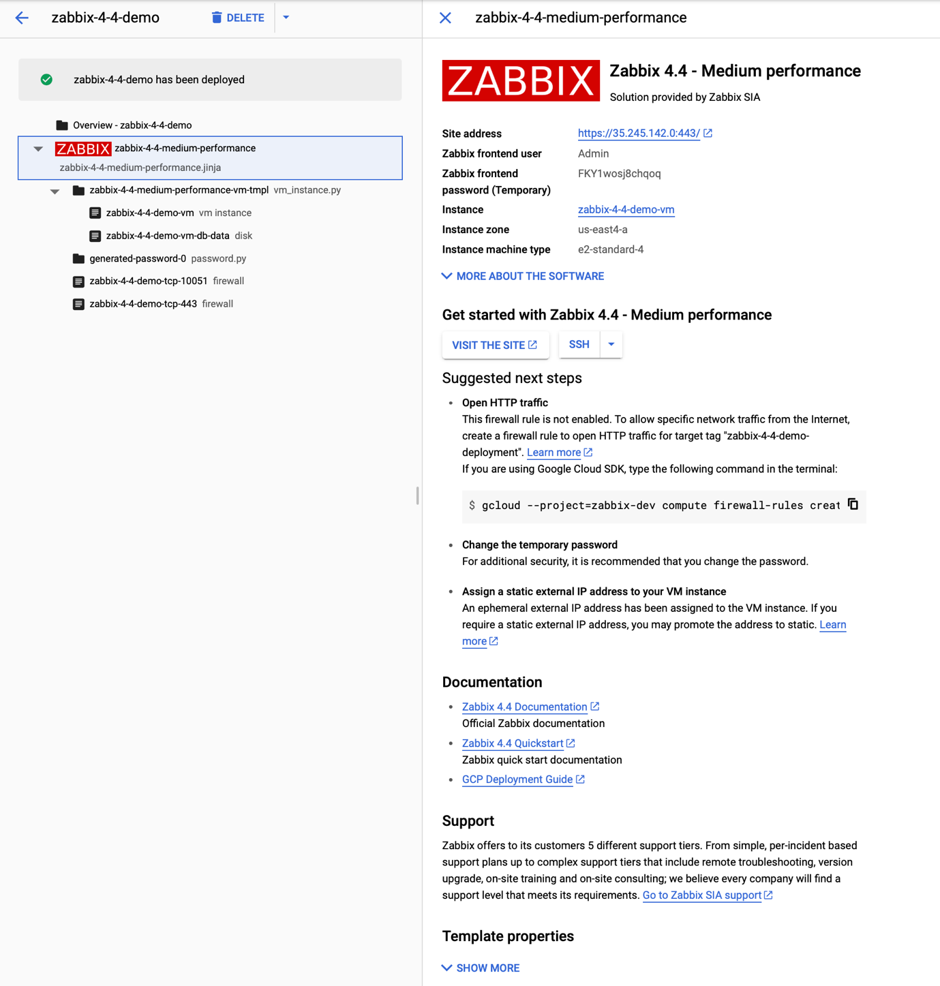
Aprire un browser web all'indirizzo Site Address per visualizzare il frontend di Zabbix. Prima di procedere, recuperare la password dell'utente Admin di Zabbix per accedere all'appliance Zabbix.
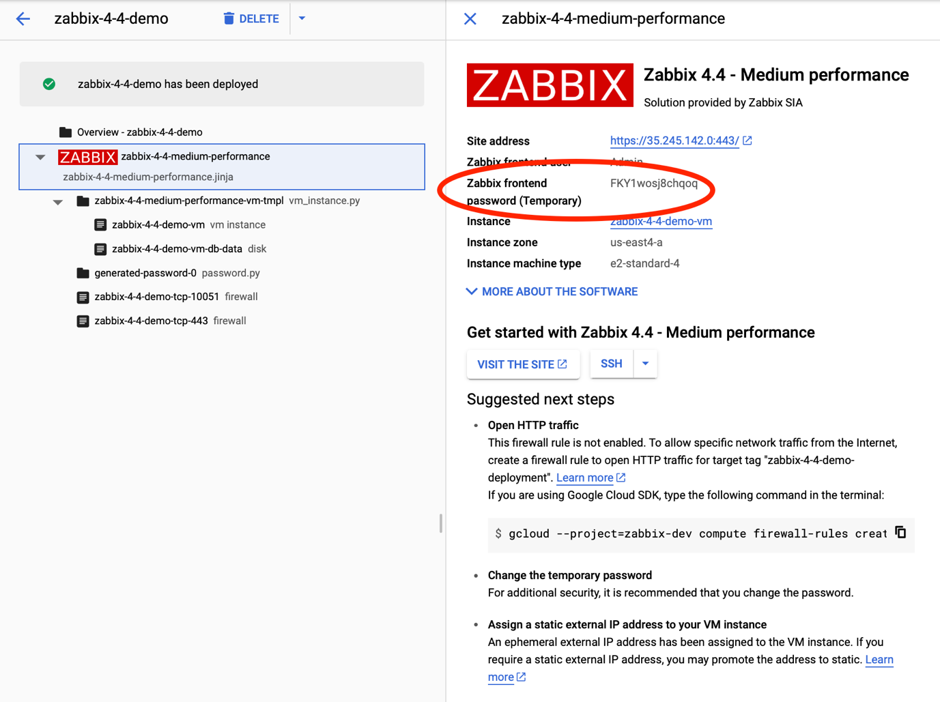
Ottimo! Ora si dispone di un'appliance Zabbix.
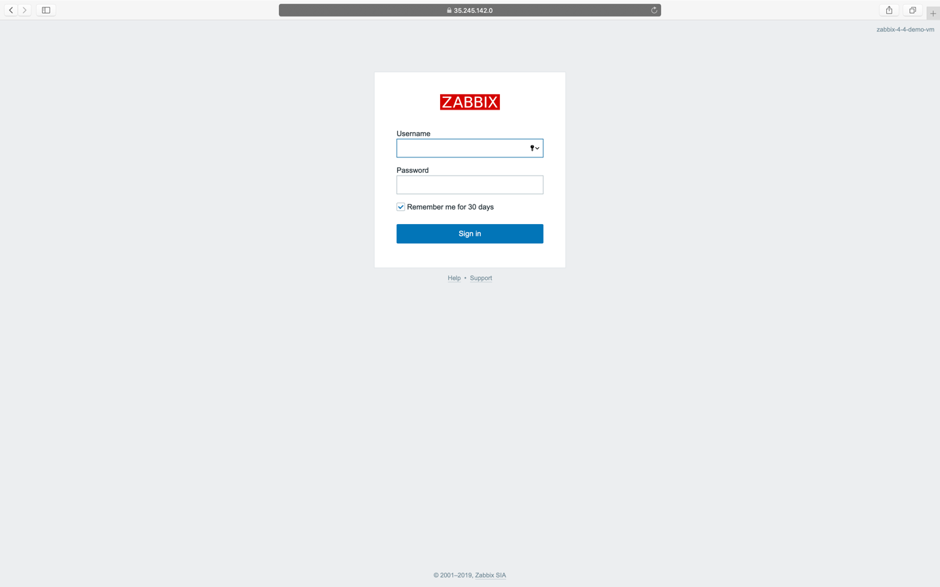
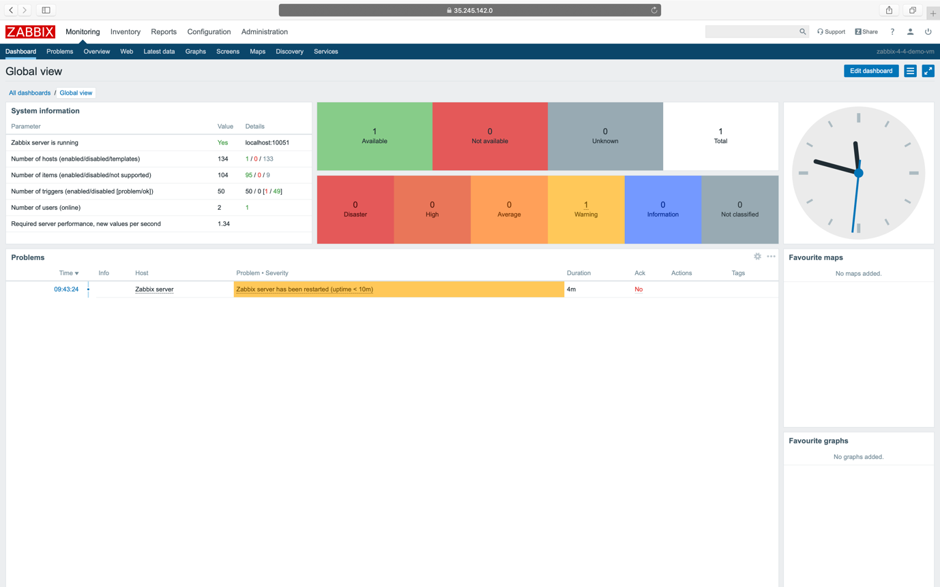
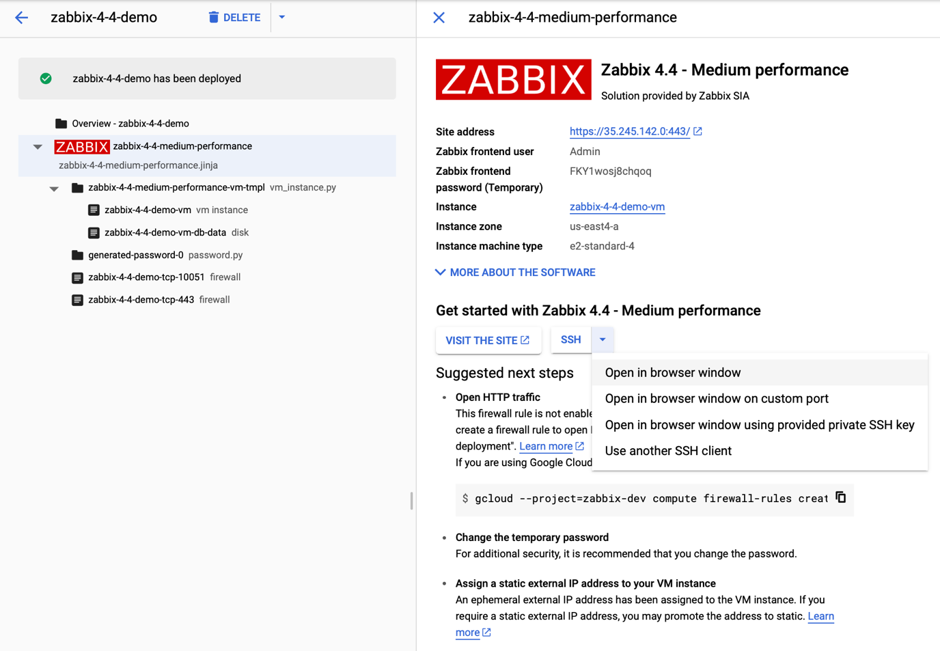
È inoltre possibile accedere all'istanza per interagire con il database. A tale scopo, tornare alla console Google e seguire la freccia rossa mostrata di seguito per avviare una sessione SSH utilizzando l'opzione Open in browser window.
MySQL è disponibile senza una password root.
La password è memorizzata nel file di configurazione /root/.my.cnf.
Per impostazione predefinita, l'appliance Zabbix utilizza il fuso orario UTC.
Se è necessario modificarlo, modificare la direttiva di configurazione PHP date.timezone in /etc/php.d/99-zabbix.ini e riavviare il processo php-fpm: systemctl restart php-fpm.