
クラウドでZabbixをデプロイする
Zabbixをクラウドで開始するには、次の手順に従います。
- cloud.zabbix.com にログインするか、サインアップします。
- クラウドノードを作成します。
- クラウドでZabbixの使用を開始します。
ログインまたはサインアップ
既存のGoogle、GitHub、またはMicrosoftアカウントを使用して、cloud.zabbix.com にログインできます。
または、サインアップページに移動して登録します。
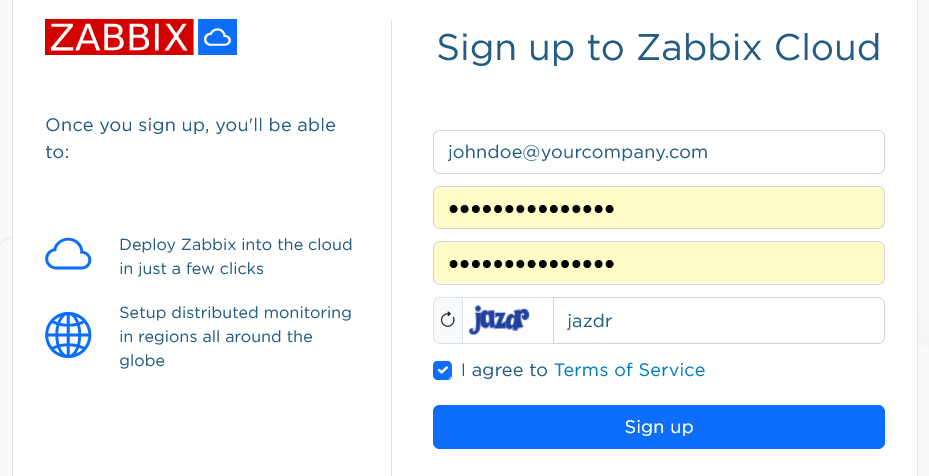
サインアップすると、新しいアカウントの確認メールが届きます。
cloud.zabbix.com に移動してログインします。 ログイン時にワンタイムパスワードの入力を求められます。 このパスワードはメールで送信されます。
クラウドノードの作成
クラウドノードは、Zabbix CloudにデプロイされたZabbixインスタンスです。 サーバーノードまたはプロキシノードとしてデプロイできます。
ログインすると、デフォルトでアカウントにPrivate 組織がすでに存在していることを確認できます。 デフォルトの組織名は後から変更できます。
Create New Nodeをクリックします。 3段階のノード設定フォームが開きます。
最初のステップでは、基本情報を選択します。
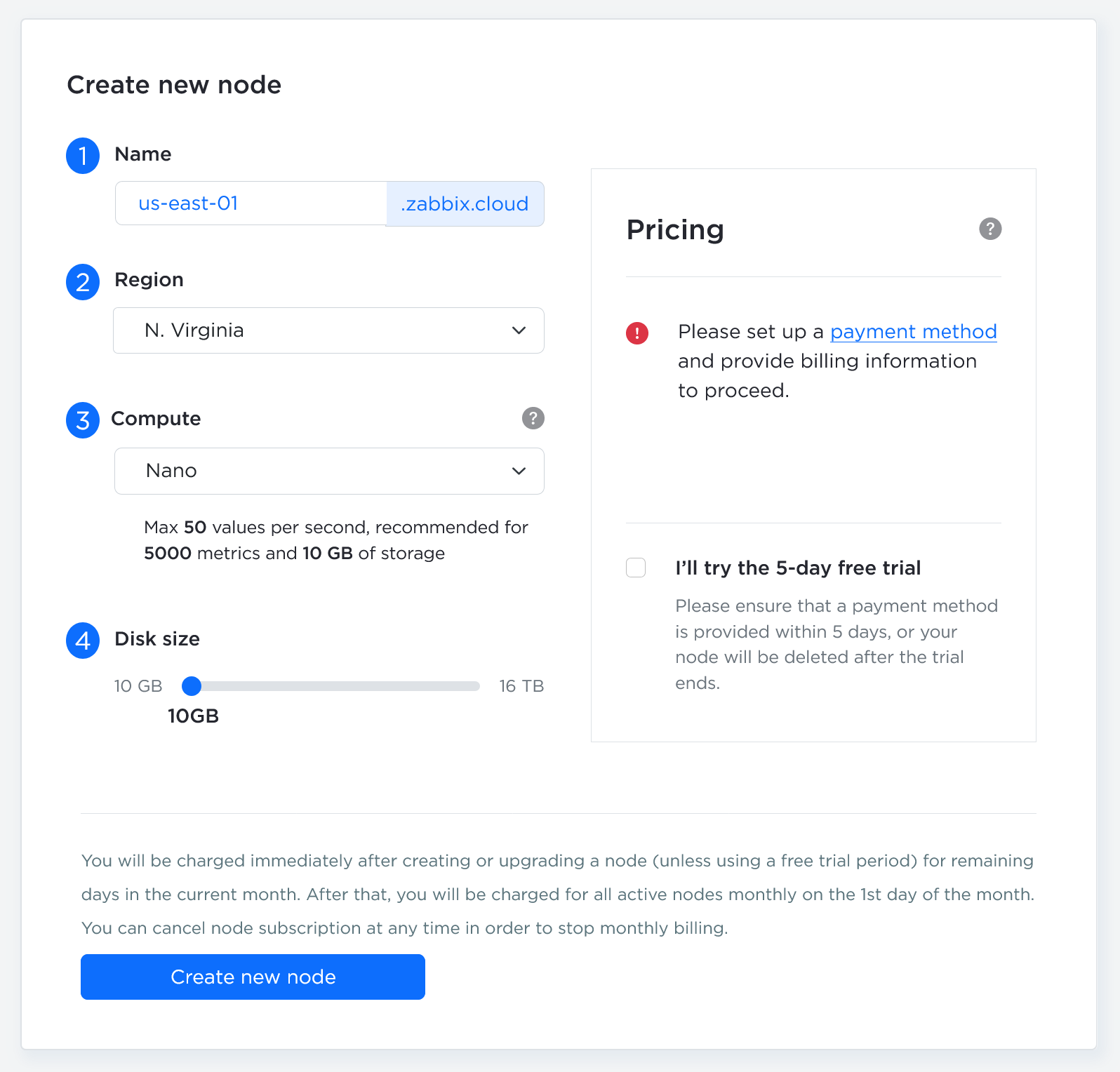
| Parameter | Description |
|---|---|
| Server/Proxy | ZabbixサーバーインスタンスとZabbixプロキシインスタンスのどちらをデプロイするかを選択します。 |
| Node name | ノード名は<your-name>.zabbix.cloud形式の一意のサブドメインとなり、ノードのサービスへのアクセスに使用されます。 |
| Compute | ノードのコンピューティング能力を選択します。 必要なリソースレベルを判断するには、料金の詳細を参照してください。より高い性能が必要になった場合は、後からいつでもアップグレードできます。トライアルではないノードを作成するには、請求方法の設定が必要です。Billingメニューから請求情報を追加してください。 Nanoティアのノードを試すための5日間の無料トライアルを利用できます。トライアル期間中は請求されませんが、期間終了後、有料ノードに切り替えない場合はノードが削除されます。 |
| Disk size | スライダーには、ティアに基づく推奨最小値がデフォルトで設定されています。 大量のヒストリまたはトレンドを保存する場合は、値を増やしてください。ディスク容量を大きくすると月額料金が高くなります。また、自分でディスク容量を縮小することはできず、縮小するにはサポートに問い合わせる必要があります。 |
| Region | ノードをデプロイするリージョンを選択します。 |
| Select timezone | Zabbixサーバーのタイムゾーンを選択します。このタイムゾーンはZabbixサーバーで使用され、メンテナンスおよびユーザープロファイルのタイムゾーンとは独立しています。 |
設定が完了したら、Nextをクリックします。
2番目のステップでは、ノードの設定を選択します。
2番目のステップで使用できる設定オプションは、サーバーノードとプロキシノードのどちらを作成するかによって異なります。
サーバーノードの設定
サーバーノードの作成時には、次のパラメータを使用できます。
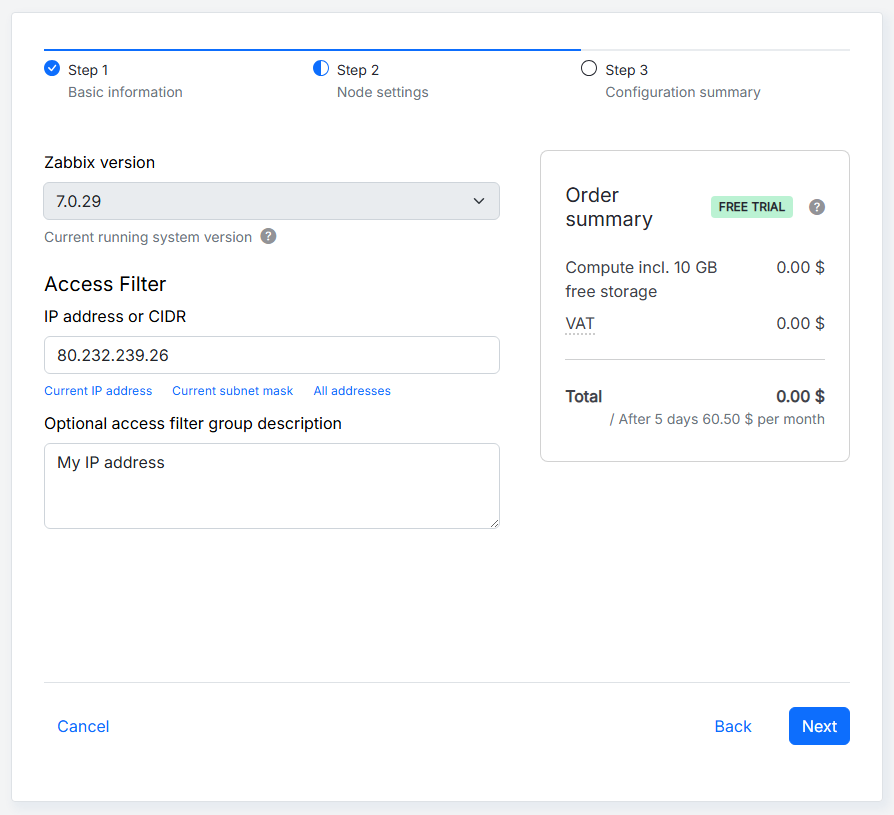
| Parameter | Description |
|---|---|
| Zabbix version | Zabbixのバージョンを選択します。Zabbix Cloudは最新のLTSバージョンをサポートし、マイナーバージョンの更新を自動的に適用します。 |
| IP address or CIDR | ノードの初期アクセスフィルターを指定します。IPアドレスまたはCIDRを手動で入力するか、該当するオプションを選択してフィールドに自動入力します。サーバーノードの場合、このフィルターはサーバー、API、およびWebインターフェースへの接続に適用されます。フィルターは後からAccess filtersタブで変更できます。 |
| Optional access filter group description | 複数のIPアドレスまたはCIDRを含めることができるアクセスフィルターグループの説明を任意で追加します。 |
ノードの作成中、IP address or CIDRフィールドには、Zabbix Cloudへのアクセスに使用したIPアドレスがあらかじめ入力されています。 この値を変更して、別の初期アクセスフィルターを指定できます。 ノードの作成後は、Access filtersタブからアクセスフィルターを追加、編集、または削除できます。
3番目のステップには、ノードの設定概要が表示されます。
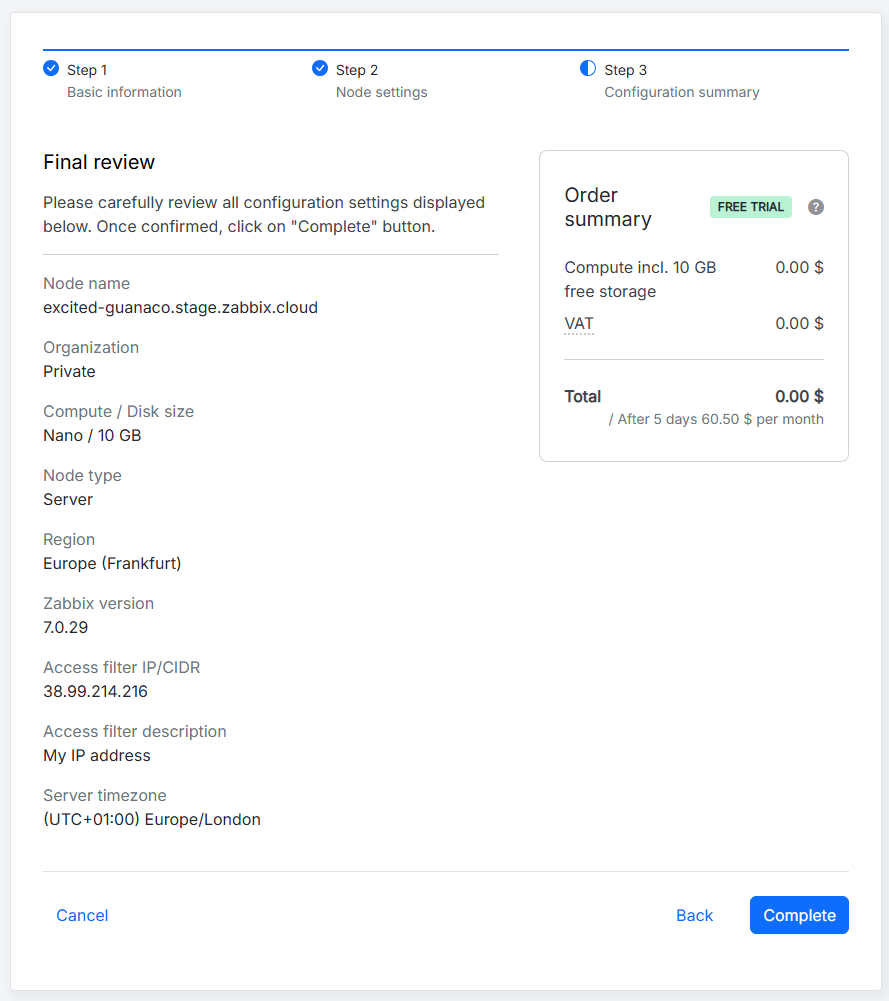
設定を確認し、すべて正しいことを確認したら、トライアルノードの場合はCompleteを、有料ノードの場合はProceed to paymentをクリックします。 それ以外の場合は、Backボタンをクリックして前のステップに戻るか、Cancelをクリックして最初からやり直します。
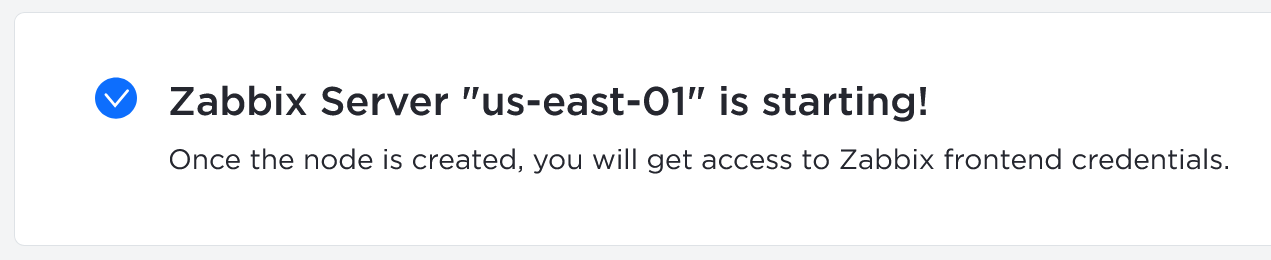
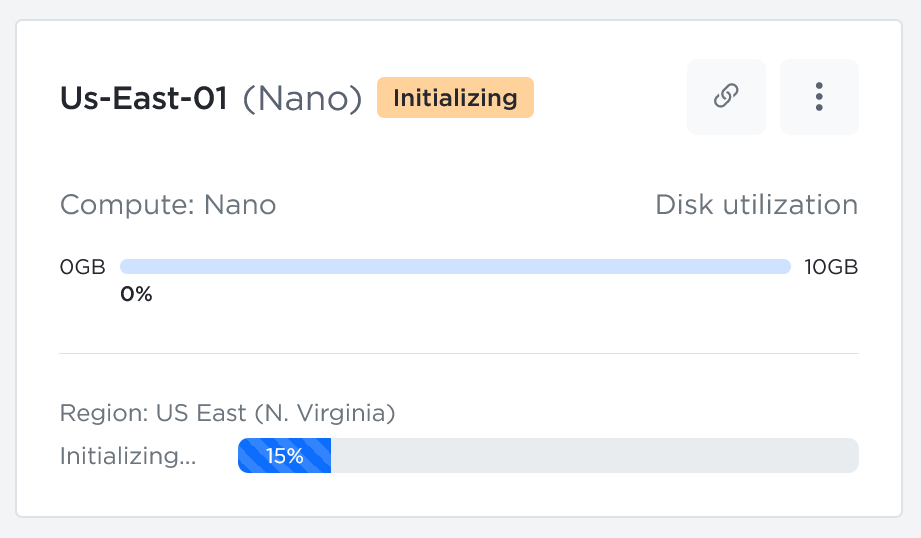
ノードの初期化中は、対応するメッセージが表示され、ノードはすでにOrganizationsの下に表示されます。
プロキシノードの設定
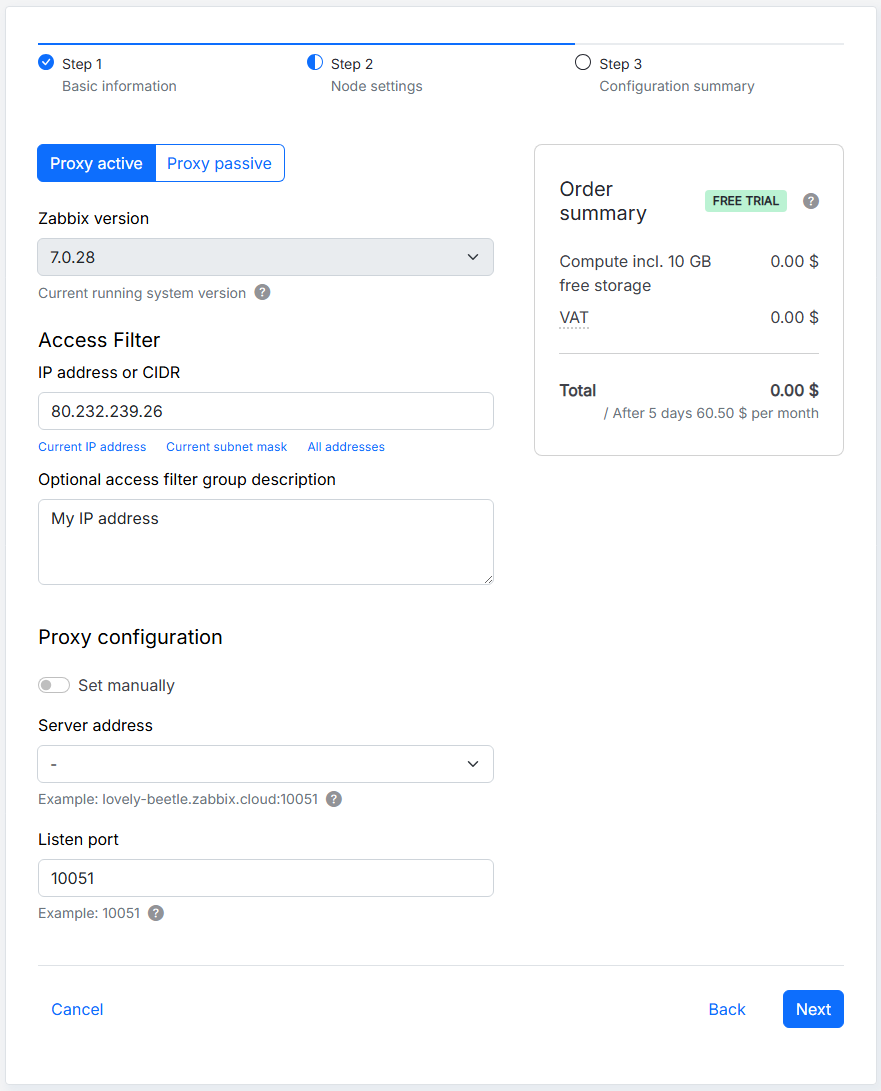
プロキシノードの作成時には、次のパラメータを使用できます。
| Parameter | Description |
|---|---|
| Proxy active/Proxy passive | プロキシモードを選択します。アクティブモードではプロキシがZabbixサーバーへの接続を開始し、パッシブモードではZabbixサーバーがプロキシへの接続を開始します。 |
| Zabbix version | Zabbixのバージョンを選択します。Zabbix Cloudは最新のLTSバージョンをサポートし、マイナーバージョンの更新を自動的に適用します。 |
| IP address or CIDR | プロキシの初期インバウンドIPアクセスフィルターを指定します。IPアドレスまたはCIDRを手動で入力するか、該当するオプションを選択してフィールドに自動入力します。このフィルターは、プロキシへの到達を許可するネットワーク要求を定義します。後からAccess filtersタブで変更できます。 |
| Optional access filter group description | 複数のIPアドレスまたはCIDRを含めることができるアクセスフィルターグループの説明を任意で追加します。 |
| Set manually | Zabbixサーバーの指定方法を選択します。無効にすると、利用可能なサーバーノードの一覧からサーバーノードを選択します。有効にすると、サーバーアドレスを手動で指定します。 |
| Server address | Zabbixサーバーのアドレスを指定します。Set manuallyが無効の場合は、一覧からサーバーノードを選択します。有効の場合は、最大10個のサーバーアドレスを指定できます。アクティブプロキシの場合は、ZabbixサーバーのIPアドレスまたはDNS名を指定します。パッシブプロキシの場合は、ZabbixサーバーのIPアドレス、DNS名、またはCIDRを指定します。アクセスフィルターは個別に設定され、サーバーアドレスを指定しても自動的には更新されません。 |
| Listen port | プロキシが受信接続を待ち受けるポートを指定します。デフォルトのポートは10051です。リッスンポートはノードの作成後に変更できません。 |
3番目のステップでは、ノードの設定概要が表示されます。
設定を確認し、すべて正しいことを確認したら、トライアルノードの場合はCompleteを、有料ノードの場合はProceed to paymentをクリックします。 それ以外の場合は、Backボタンをクリックして前のステップに戻るか、Cancelをクリックして最初からやり直します。
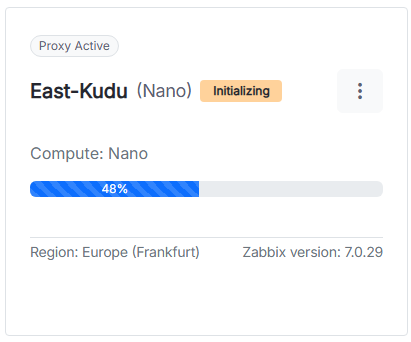
ノードの初期化中は、対応するメッセージが表示され、ノードはすでにOrganizationsの下に表示されます。

Zabbix Cloudプロキシを設定するには、Zabbix Cloudプロキシのセットアップを参照してください。
Zabbix の使用を開始する
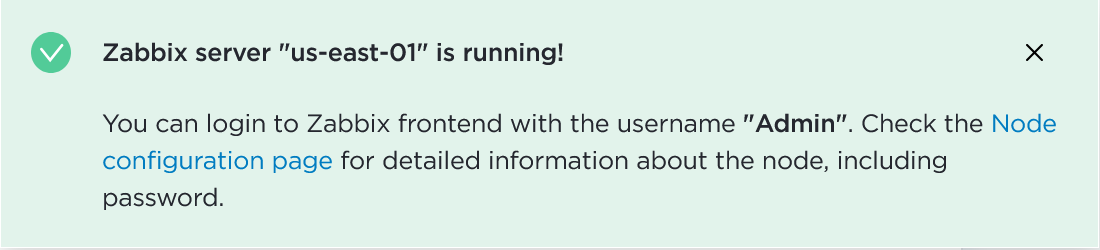
サーバーノードのステータスが Initializing から Running に変わると、Zabbix Webインターフェースにログインできます。
初期 Webインターフェースパスワードにアクセスするには、作成したノードをクリックします。
ノードの 設定(概要、アクセスフィルター、暗号化、バックアップなど)に移動します。 Connection info で Node password フィールドを見つけ、ドロップダウンから Reset password for Admin を選択します。 パスワードがリセットされたら、同じドロップダウンをクリックして Copy を選択します。
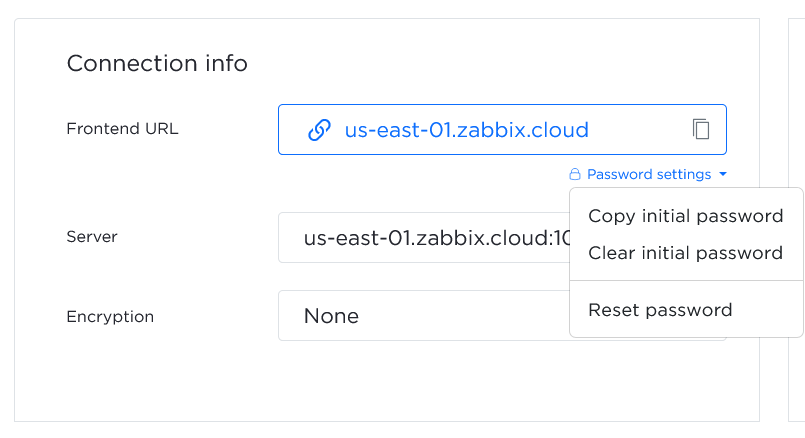
Webインターフェースの URL(excited-guanaco.zabbix.cloud)をクリックして、Zabbix Webインターフェースを開きます。
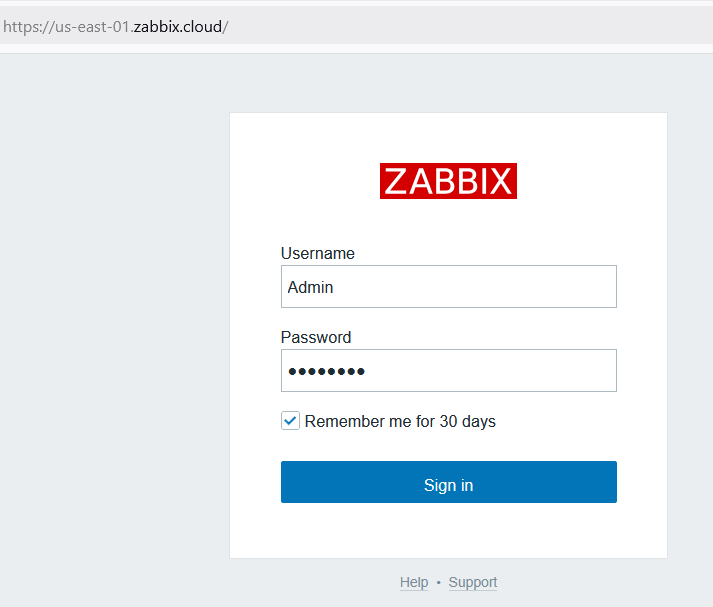
次の認証情報を使用してログインします。
- Username -
Admin - Password - コピーしたパスワードを入力
監視を開始するには、Zabbix Cloud サーバーへの接続を許可する アクセスフィルター(IP アドレスまたは複数の IP アドレス)を定義する必要があります。 少なくとも 1 つ定義する必要があります。
組織管理
組織は、1つ以上のノードを格納するコンテナです。 組織を使用すると、次のようなリソースの構成や責任の委任も行えます。
- ノード管理
- 請求
Zabbix Cloud にログインすると、すべての組織ページが表示されます。 デフォルトでは、アカウント用のプライベート組織が作成されます。
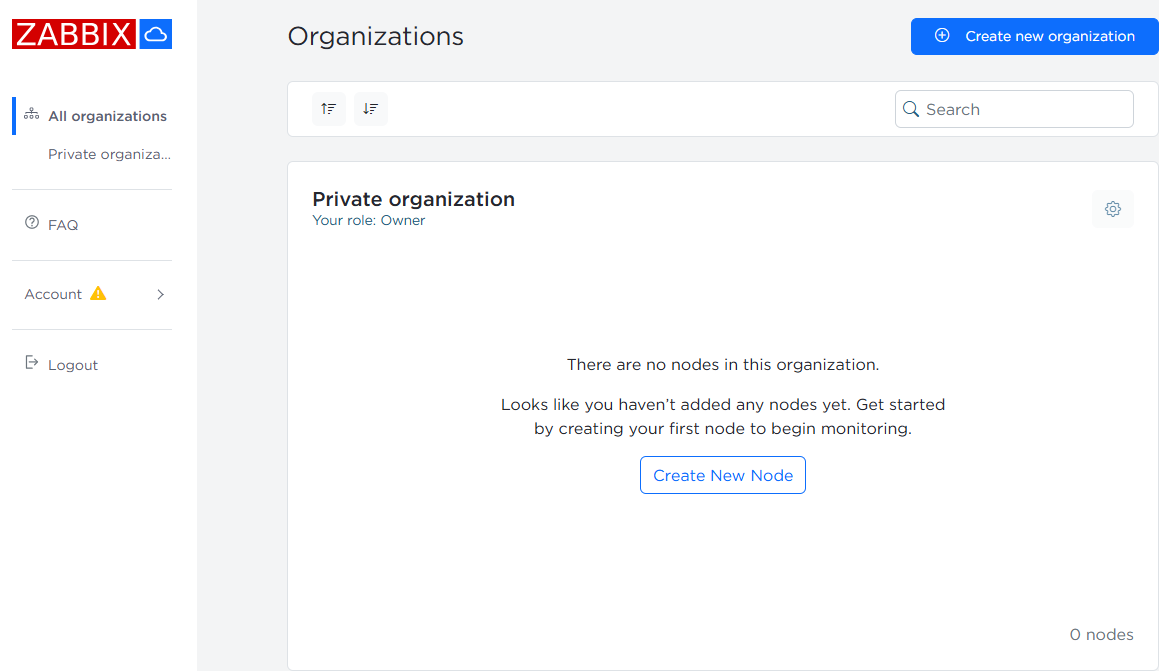
この組織の所有者として、ユーザー、管理者、ノード、組織名を管理できます。
 設定ボタンをクリックすると、管理オプションにアクセスできます。
アカウント管理
アカウントのメールアドレスの変更
アカウントのメールアドレスを変更するには、Account > Profile settings に移動します。
User email フィールドに新しいメールアドレスを入力し、Save changes をクリックします。
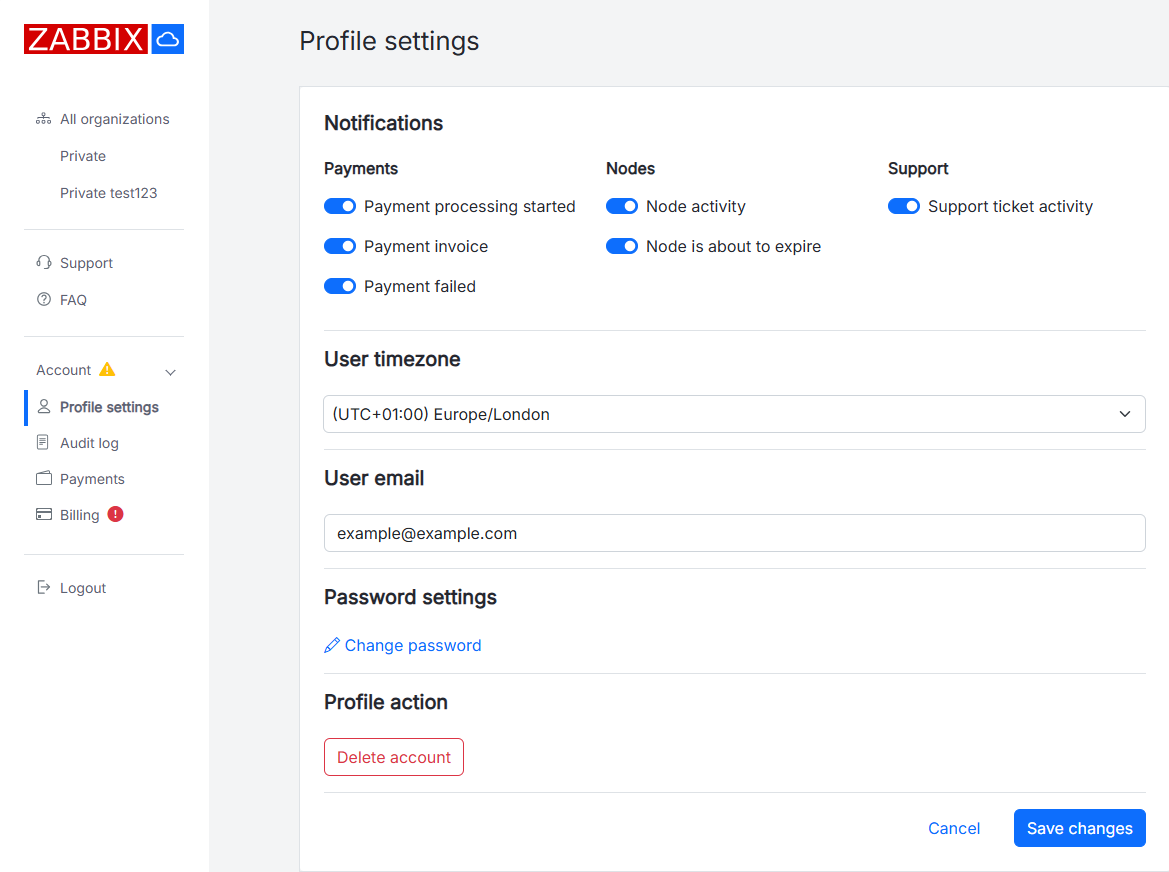
新しいメールアドレスに確認メッセージが送信されます。
メッセージ内のリンクに従って、メールアドレスの変更を確認します。
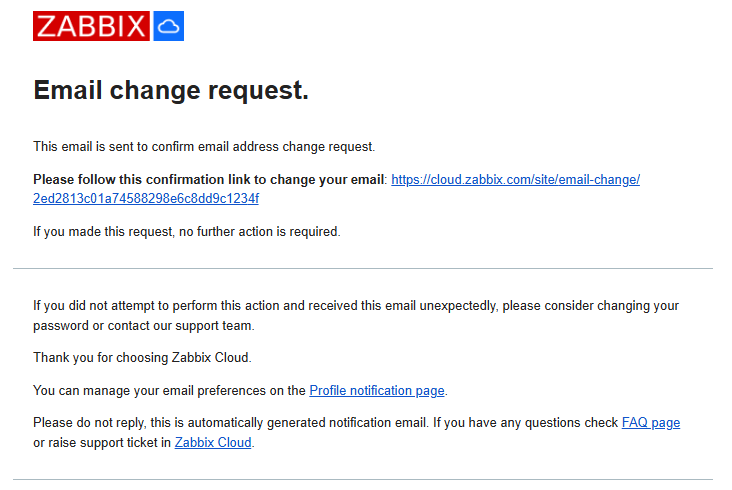
確認リンクを開くと、確認メッセージと、User email フィールドに更新されたメールアドレスが表示された Profile settings ページが開きます。
メールアドレスが変更されたことを知らせるメール通知も、以前のメールアドレスに送信されます。